HomeGuidesSIH Mobile: Your Entire SIH SDA Now Lives in Your Pocket
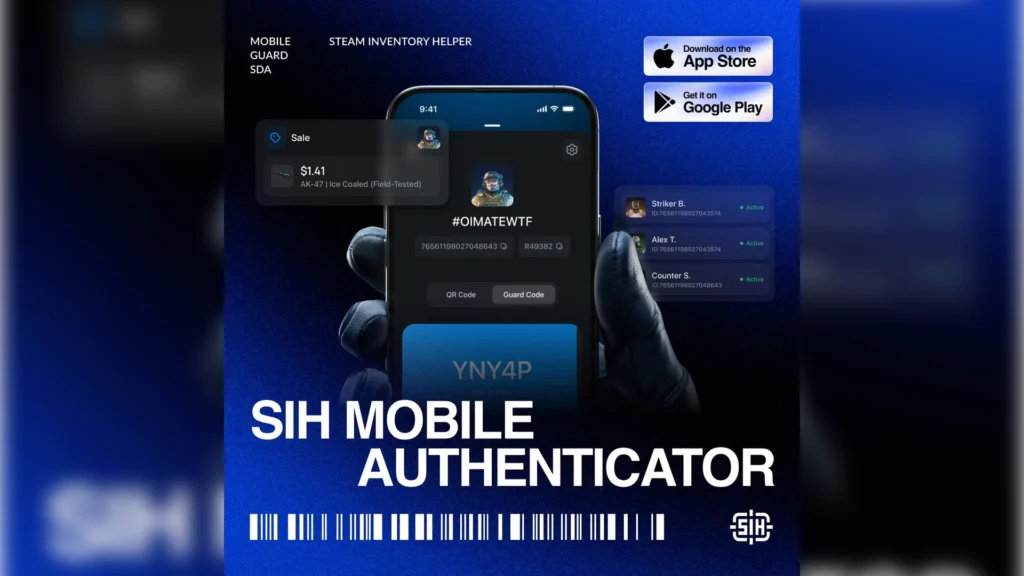
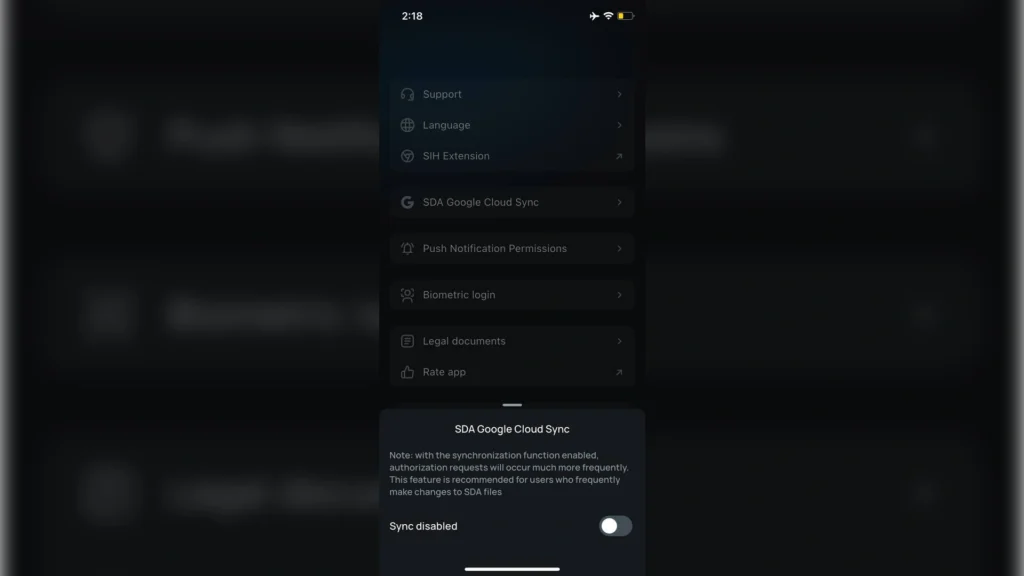
SIH Mobile: Your Entire SIH SDA Now Lives in Your Pocket

SIH Mobile: Your Entire SIH SDA Now Lives in Your Pocket

Let’s start with the basics so the rest makes sense. Every Steam account is protected by Steam Guard two-factor authentication, and in practice that comes down to two things: login codes (those five characters that refresh every 30 seconds) and confirmations — a separate “yes, this is really me” on every trade or market deal. It’s the confirmations that stop anyone from walking off with your items, even if your password leaks. By default all of this lives in the official Steam mobile app, and for the average player that’s plenty. But it has a hard ceiling: you can only confirm deals manually, one at a time — and for anyone listing dozens of items and running trades in bulk, that gets awkward fast.

That’s how desktop authenticators came about — SDA (Steam Desktop Authenticator). It’s a program that does the same job as the mobile Steam Guard, but on your PC and, crucially, it can confirm deals automatically. That’s what pulled traders over to it: nothing to click by hand, everything goes through on its own. SIH SDA is exactly that kind of authenticator inside the SIH ecosystem.

There was one catch, but a big one: to keep auto-confirm running, you had to leave a computer on with SDA open — basically a separate machine grinding away 24/7 just to hit “accept” on time. Some put up with a spare tower humming in the corner, some left their main PC running when they went out, and the truly stubborn remoted into their machine from wherever they were. The only mobile alternative was the official Steam Guard — and that, as we’ve covered, is back to manual, one deal at a time.

SIH Mobile closes that gap: the mobility of a phone and the automation of a desktop authenticator, finally in one app. And most importantly, every deal across all your accounts now happens from one place — right on your phone. Let’s break down, point by point, why that’s so convenient.

Importing accounts straight from SIH SDA

Importing accounts straight from SIH SDA

The biggest fear when moving to a new authenticator is losing access or getting stuck in a recovery headache. Not here: if you’re already on desktop SDA, the move takes a couple of minutes. No re-linking Steam Guard from scratch, no waiting out a trade hold, no digging for your recovery code — you just carry your ready-made accounts over to your phone and keep working. And if you have several accounts, they all come over in a single pass, not one lap per account.

Local encryption: your data never leaves the device

Access to your authenticator is effectively access to your inventory, so “where does my data live” is no idle question here. In SIH Mobile everything is stored encrypted right on your phone — and that’s not just a marketing line, it’s a stated rule: the keys that generate your codes stay strictly on the device and are never sent to the company’s servers. Plenty of “convenient” solutions do the opposite and keep your data on their end — and a single breach there hits every user at once. There’s no shared point of failure like that here: access is yours and yours alone, only from your phone.

Generating 2FA codes even offline

A Steam Guard code always seems to be needed at the worst possible moment — roaming, on the subway, in the basement of a gaming café, or any dead zone with half-working Wi-Fi and no 5G. SIH Mobile produces codes regardless of your connection, so logging in doesn’t hinge on whether your phone caught signal. It’s a lifesaver on the road, where coverage is anyone’s guess.

Biometric login

Biometric login​

You open an authenticator a dozen times a day, and nobody’s going to type out a long password every single time — sooner or later that ends in a weak password or protection switched off entirely. A fingerprint or face scan takes the hassle out of it: login is instant, while the vault holding your accounts stays locked. Fast for you, useless to whoever picks up your phone.

All your accounts in one app

This is probably the key thing. An active trader rarely has just one account: a main, a few trade accounts, maybe a “storage” account for holding items. SIH Mobile keeps them all at once and switches between them in a couple of taps — no re-logging, no re-linking. The difference really shows in the heat of the moment: picture a sudden price spike where you need to close out sales across several accounts fast. Under the old setup that’s logging in and out on a loop, or a separate phone per account — and half the window is already gone. Here it’s one screen and a few taps, no login juggling and no “wait, which account am I on.”

Manual and automatic confirmation for trades and market orders

This is the very thing people moved to desktop SDA for in the first place. SIH Mobile gives you both modes, and the convenience is in picking one to fit the moment: on routine, high-volume work you switch on auto-confirm and stop thinking about it, while a big-ticket deal you can leave for a manual once-over. And all of it without the old setup’s one dealbreaker — no computer running around the clock.

Optimized performance, zero lag

An authenticator that stutters isn’t a minor annoyance — it’s lost deals: while the app “thinks,” an order sits an extra minute, and on a volatile listing that’s enough for the margin to slip away. SIH Mobile is built for active traders: the confirmation list loads fast, switching between accounts doesn’t hitch, and auto-confirm runs steadily in the background without draining your battery to zero.

The flip side: access is yours alone — and so is the responsibility

Fully local storage has a logical flip side, and it’s fairer to put it up front. Since the keys don’t sit on any server, there’s no “restore my access” through app support — you’re the only one responsible for keeping them safe. If your phone is lost, the app gets deleted, or the device is wiped to factory settings without a backup, no one on the developer’s end can bring your login back. Hence a simple rule: keep a backup of your account data and your Steam Guard recovery code — those, not support, are your safety net.

Who this is actually for

SIH Mobile removes the old trade-off between mobility and automation — you used to have to give up one for the other. Now you get both: offline codes, all your accounts in one app behind biometrics and, above all, auto-confirmation of trades and orders right from your phone. For anyone who lives in the market and trading, it’s exactly the tool that takes away the need to keep a computer running just “in case.”

Alex is an author and esports observer with more than seven years of experience. He specializes in analyzing new releases in the world of computer games, gaming services, and in-game economies. Alex shares practical experience and an expert perspective on the development of gaming, helping readers understand complex mechanics and stay up to date with the latest news.